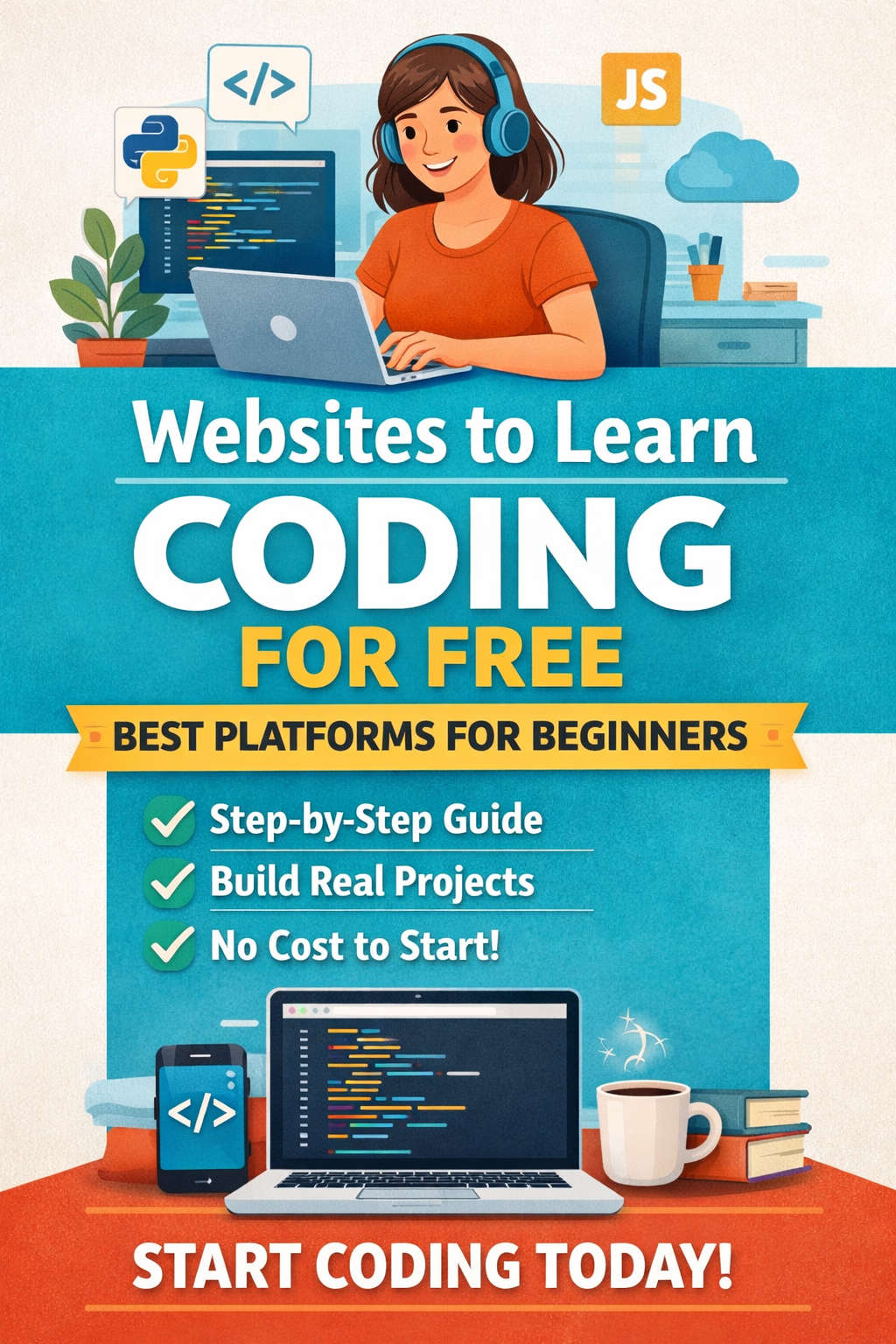
Learning how to code has shifted from being a niche technical skill to a powerful, in-demand ability that shapes careers, businesses, and creativity. Whether you want to become a software developer, build your own website, automate tasks, analyze data, or simply understand how technology works, coding is a skill worth investing time in.
The good news is that you no longer need expensive degrees or paid bootcamps to get started. Today, the internet offers countless free websites to learn coding, many of which rival paid programs in quality, depth, and practical value.
This guide is designed to help beginners and self-learners navigate the best free coding platforms available. It explains what each platform offers, who it’s best for, and how to use it effectively. By the end of this article, you’ll have a clear roadmap for learning coding for free—from beginner basics to advanced practice.
Why Learning Coding Is One of the Best Decisions You Can Make
Coding is more than writing lines of code—it’s about problem-solving, logical thinking, and creating solutions. Here are a few reasons why learning coding is a valuable long-term investment:
- Coding skills are in high demand across industries, not just tech
- You can work remotely, freelance, or build your own products
- Programming improves analytical and critical thinking
- You gain the ability to turn ideas into real, usable tools
- Many high-quality learning resources are completely free
Unlike many skills, coding rewards consistency more than talent. With the right resources and regular practice, anyone can learn it.
How to Choose the Right Free Coding Website
Before diving into individual platforms, it’s important to understand that no single website is perfect for everyone. The best learning platform depends on your goals, learning style, and current experience level.
When choosing a coding website, consider:
- Your skill level (beginner, intermediate, or advanced)
- Your preferred learning style (videos, reading, hands-on practice)
- Your goal (career change, hobby, interview preparation, school)
- Whether you prefer structured learning or flexible exploration
Many successful self-taught developers use multiple platforms together, combining structured courses with practice-based websites.
FreeCodeCamp: A Complete Coding Curriculum for Beginners
FreeCodeCamp is widely considered one of the best free platforms for learning coding from scratch. It offers a full, structured curriculum that takes learners from beginner fundamentals to advanced topics.
What makes this platform stand out is its strong focus on learning by doing. Instead of passively watching videos, learners write code constantly and build real projects.
Key areas covered include:
- HTML and CSS for building websites
- JavaScript fundamentals and algorithms
- Front-end libraries like React
- Back-end development and APIs
- Data visualization and machine learning
- Information security and quality assurance
Each major section ends with multiple real-world projects, such as building web applications or APIs. Completing these projects helps learners build a strong portfolio.
FreeCodeCamp is ideal for learners who want a clear path, practical experience, and proof of skills through completed projects.
Codecademy Free Version: Interactive Learning for Absolute Beginners
Codecademy is known for its interactive approach to teaching coding. It allows learners to write code directly in the browser and receive immediate feedback.
The free version includes beginner-friendly courses in:
- HTML and CSS
- JavaScript
- Python
- SQL
- Command line basics
- Git and GitHub fundamentals
The platform is especially helpful for people who have never coded before. Concepts are broken down into small steps, making the learning process less intimidating.
While advanced paths are paid, the free content is more than enough to build a strong foundation. Codecademy works best when paired with project-based platforms to reinforce what you learn.
Khan Academy: Simple and Visual Coding Education
Khan Academy provides an excellent introduction to coding concepts, especially for younger learners and complete beginners.
Its programming section focuses on:
- JavaScript basics
- HTML and CSS
- Animation and drawing with code
- Introductory SQL
The lessons are visual, friendly, and concept-driven. Instead of overwhelming learners with technical jargon, Khan Academy emphasizes understanding how code works.
This platform is ideal for building confidence early on and understanding core ideas before moving on to more complex tools.
The Odin Project: A Free Full-Stack Coding Bootcamp Experience
The Odin Project is one of the most respected free resources for people who want to become professional web developers.
It offers a structured curriculum that covers both front-end and back-end development. Unlike many platforms, it expects learners to set up their own development environment, use Git, and work with real tools from the start.
Key topics include:
- HTML, CSS, and JavaScript
- Git and GitHub
- Databases
- Back-end development
- Full-stack application building
The Odin Project is heavily project-based and mirrors real-world development workflows. It’s best suited for self-motivated learners who are serious about learning coding for a career.
Harvard CS50 and Academic-Style Learning Platforms
Some learners prefer a deeper understanding of computer science rather than just practical coding. Academic platforms offer this theoretical foundation.
Introductory computer science courses cover:
- Programming fundamentals
- Algorithms and data structures
- Problem-solving techniques
- Memory and performance concepts
These courses are challenging but rewarding. They help learners understand not just how to code, but why code works the way it does.
This approach is ideal for learners who enjoy structured lectures, problem sets, and deeper technical knowledge.
W3Schools: Quick Tutorials and Coding References
W3Schools is one of the most widely used beginner coding resources on the internet.
It offers concise tutorials on:
- HTML
- CSS
- JavaScript
- SQL
- Python
- Web frameworks
Each topic includes examples and an interactive editor that allows you to test code instantly.
W3Schools is best used as a reference tool rather than a complete learning path. It’s especially useful when you want to quickly look up syntax or test small pieces of code.
SoloLearn: Learn Coding in Small, Manageable Steps
SoloLearn focuses on bite-sized lessons that are easy to consume, making it a great option for learning on the go.
It offers free courses in:
- Python
- JavaScript
- Java
- C++
- HTML and CSS
- SQL
The platform includes quizzes, challenges, and a community section where learners can ask questions and share code.
SoloLearn works best as a supplementary resource alongside more comprehensive platforms.
YouTube: Free Coding Education from Experts
YouTube has become one of the most powerful learning platforms for coding. Many experienced developers and educators share complete courses for free.
Video tutorials are especially helpful for:
- Visual learners
- Watching real-time coding
- Understanding workflows
- Following full project builds
To use YouTube effectively, focus on structured playlists rather than random videos. Combine watching tutorials with active practice to avoid passive learning.
GitHub Learning Resources: Learn by Using Real Developer Tools
Version control is an essential skill for any coder, and GitHub provides free interactive lessons that teach this skill through real projects.
You learn how to:
- Use Git for version control
- Collaborate on code
- Understand real-world development workflows
Learning Git early makes your coding journey smoother and more professional.
Code Practice Platforms to Sharpen Your Skills
Learning concepts is only half the journey. Regular practice is essential to becoming confident in coding.
Some platforms focus entirely on problem-solving and coding challenges:
Codewars
Helps improve logical thinking through community-created challenges.
HackerRank
Offers practice problems and interview-style questions.
LeetCode
Focuses on algorithms and data structures commonly used in technical interviews.
These platforms are best for learners who already know the basics and want to strengthen problem-solving skills.
Recommended Free Coding Learning Path
If you’re unsure where to start, here’s a practical step-by-step roadmap:
Step 1: Learn the Basics
Start with HTML, CSS, and a beginner programming language like JavaScript or Python.
Step 2: Practice Consistently
Write code daily, even if it’s just for 30 minutes.
Step 3: Build Small Projects
Create simple projects like calculators, forms, or personal websites.
Step 4: Learn Git and Version Control
Understand how to manage and share your code.
Step 5: Explore Advanced Topics
Learn frameworks, APIs, and databases.
Step 6: Practice Problem Solving
Solve coding challenges regularly.
Step 7: Build a Portfolio
Showcase your projects and progress.
Common Mistakes Beginners Should Avoid
Many learners struggle not because of difficulty, but because of avoidable mistakes:
- Trying to learn too many languages at once
- Skipping fundamentals
- Watching tutorials without practicing
- Constantly switching platforms
- Comparing progress with others
Consistency and patience matter far more than speed.
How to Stay Motivated While Learning Coding
Learning coding is a long-term journey. Staying motivated is key.
- Set realistic goals
- Track your progress
- Celebrate small wins
- Join coding communities
- Build projects you care about
Remember, every experienced developer was once a beginner.
Final Thoughts: You Can Learn Coding for Free
Learning coding no longer requires expensive courses or degrees. With the right free resources, dedication, and consistent practice, anyone can gain valuable programming skills.
The websites covered in this guide offer everything you need—from beginner fundamentals to advanced problem-solving. The most important step is not choosing the perfect platform, but starting and sticking with it.
Coding rewards effort, curiosity, and persistence. Start today, keep building, and let your skills grow over time.
Discover more from The Tech Passion
Subscribe to get the latest posts sent to your email.
 The Tech Passion